

To create category hierarchy in bulk, we can using Dynamics 365 Import / Export Functionality available in Data Management Module
Creating Import Project
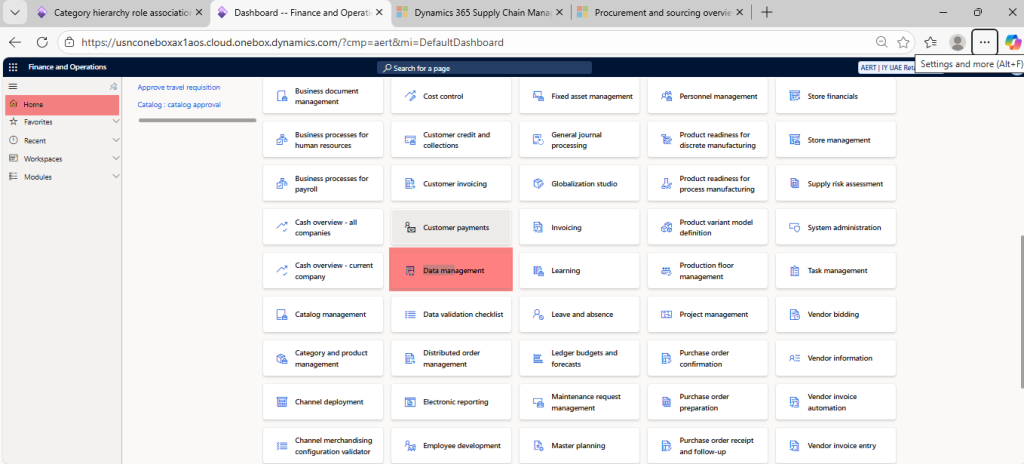
Open Data Management Workspace from home page
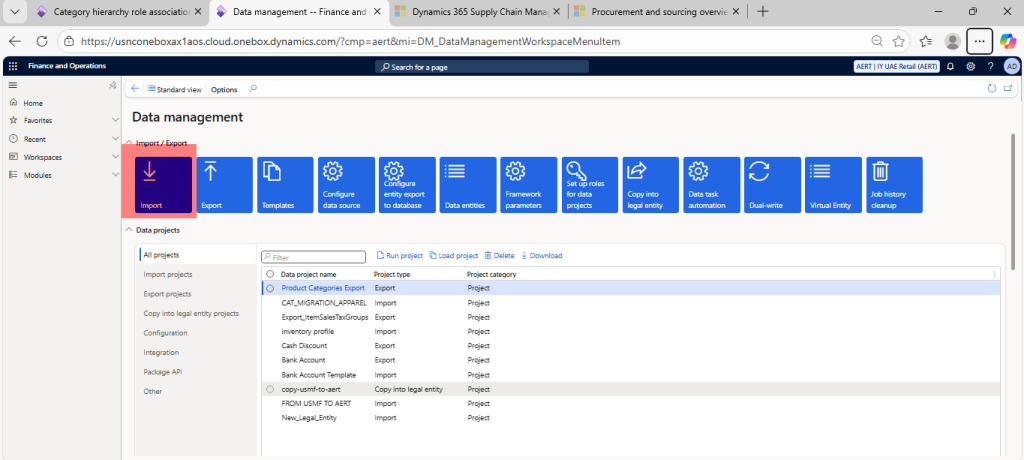
Click on Import Option
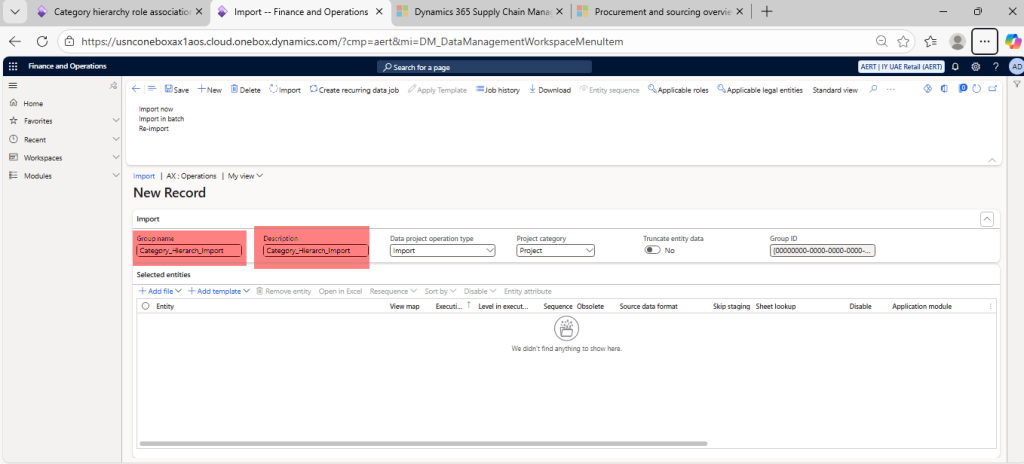
Enter Group name (Category_Hierarch_Import) and Description (Category_Hierarch_Import)
Importing Data
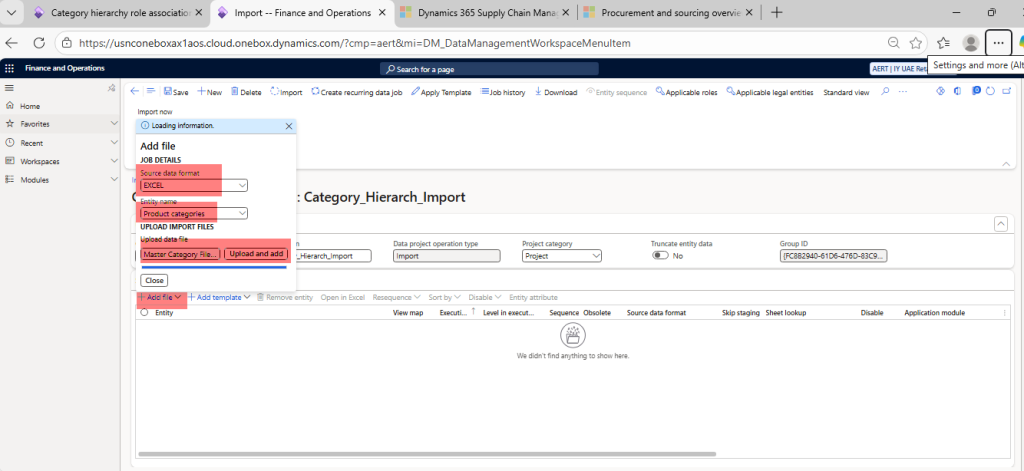
Click on Add file > Source data format (Excel) > Entity name (Product categories) > Choose the file (download sample file from below download section)
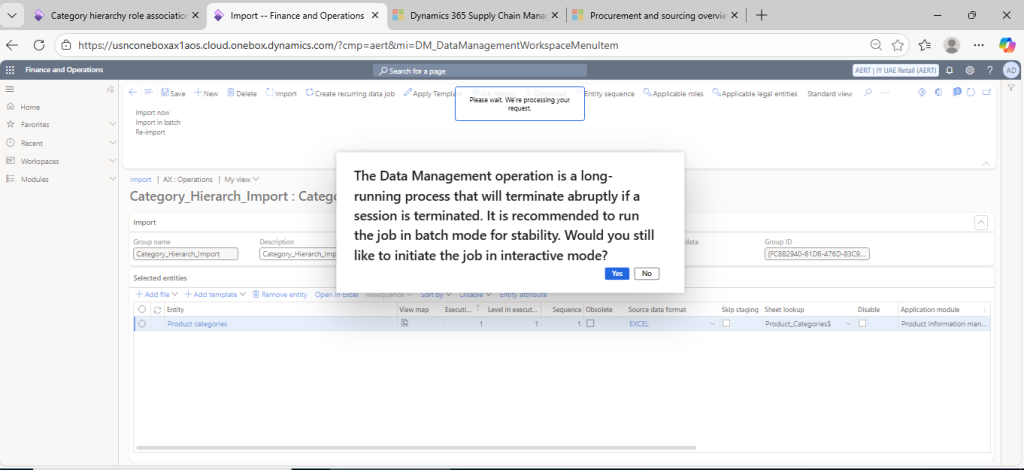
Click on Yes option
Downlaoding Sample Files
Download Sample excel file, fill as per your requirement and import using above procedure.