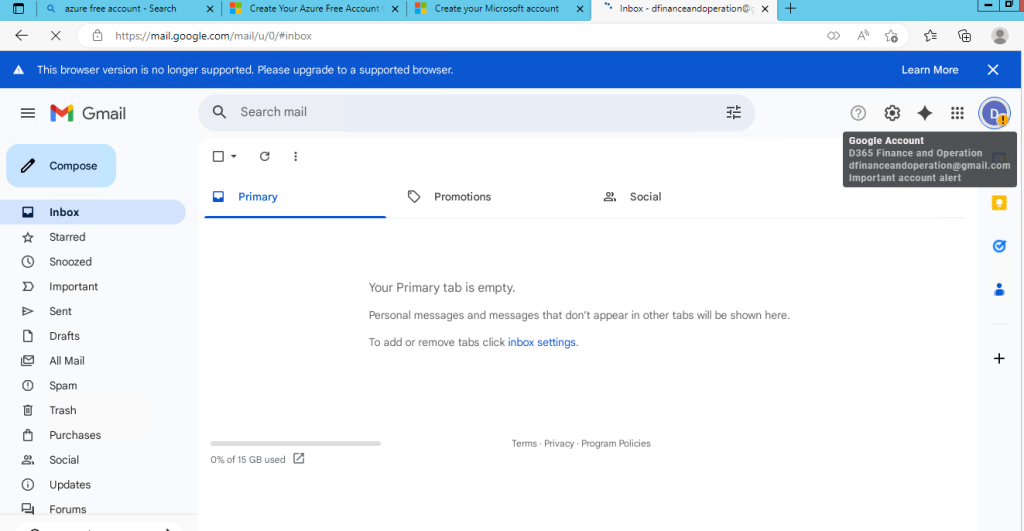
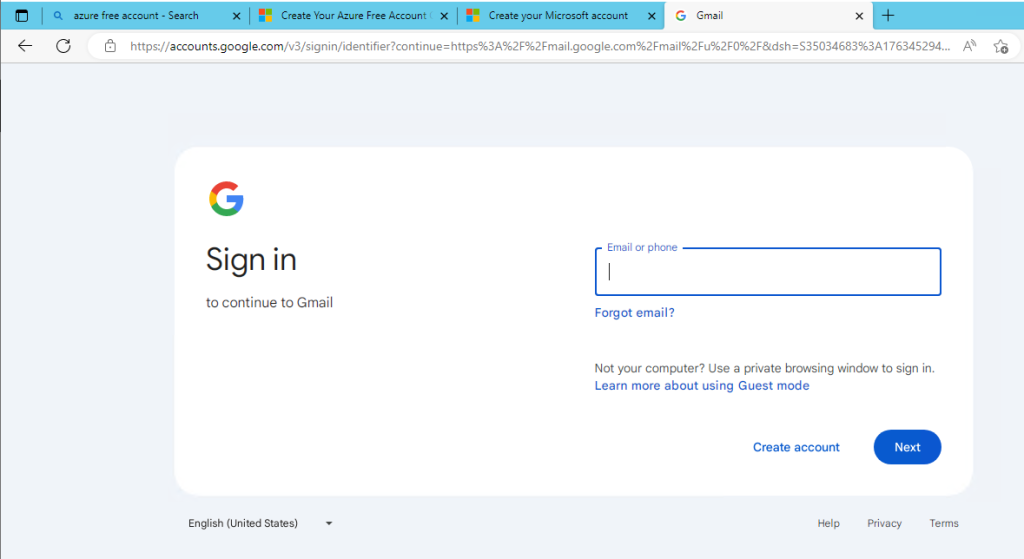
Open browser and type gmail.com and press enter, then click on create account button
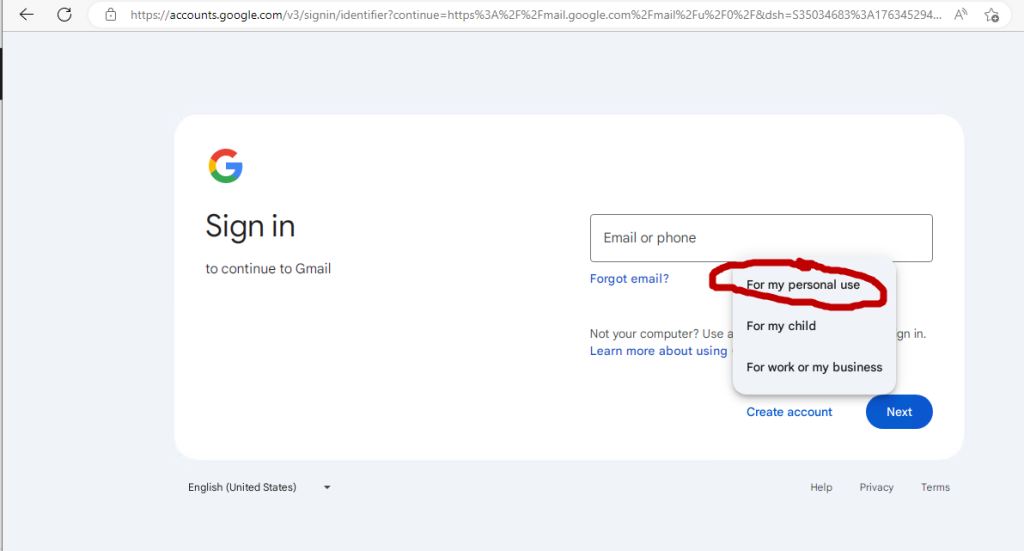
Click on for my personal use
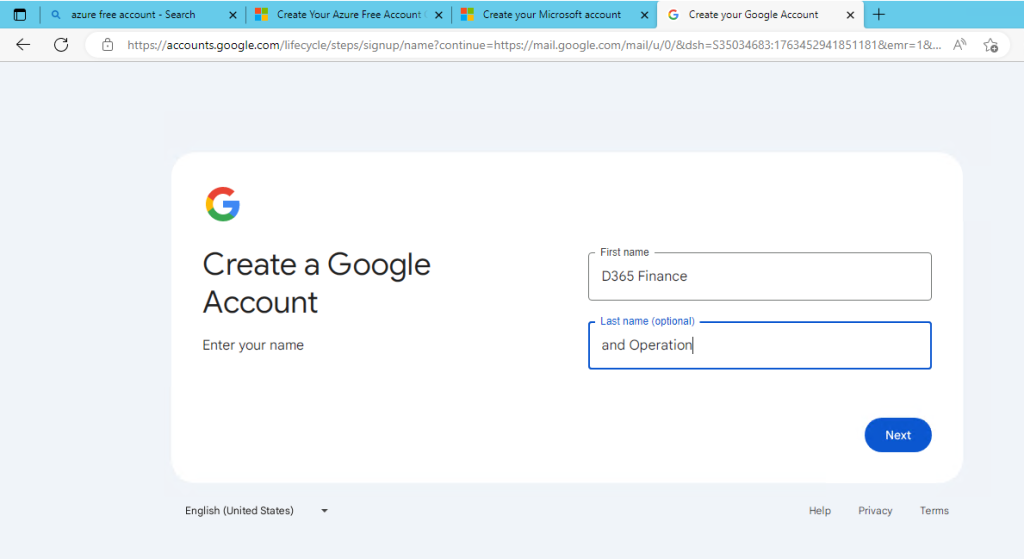
Enter First name (D365 Finance) and Last name (and Operations) and Click on Next
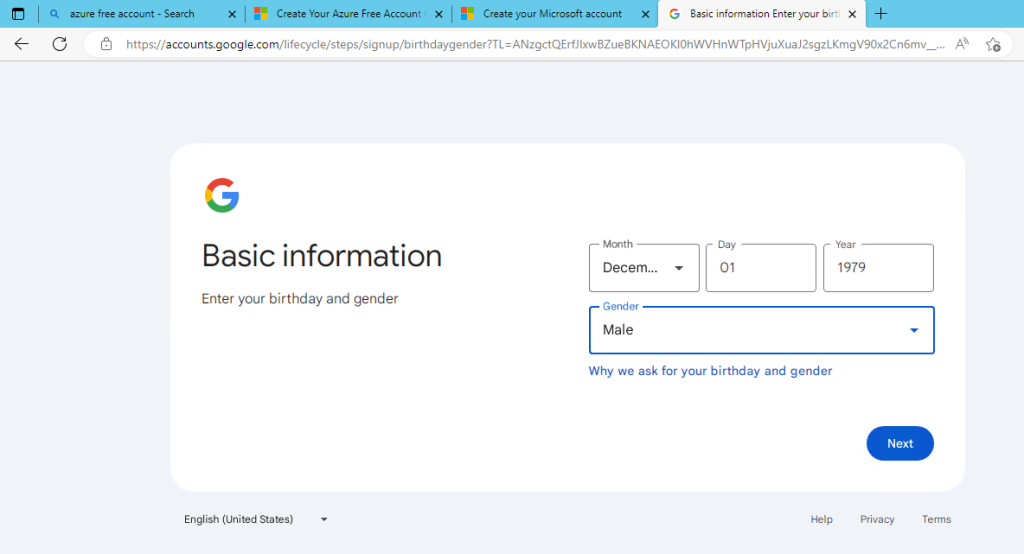
Enter Date of Birth Information and Click on Next
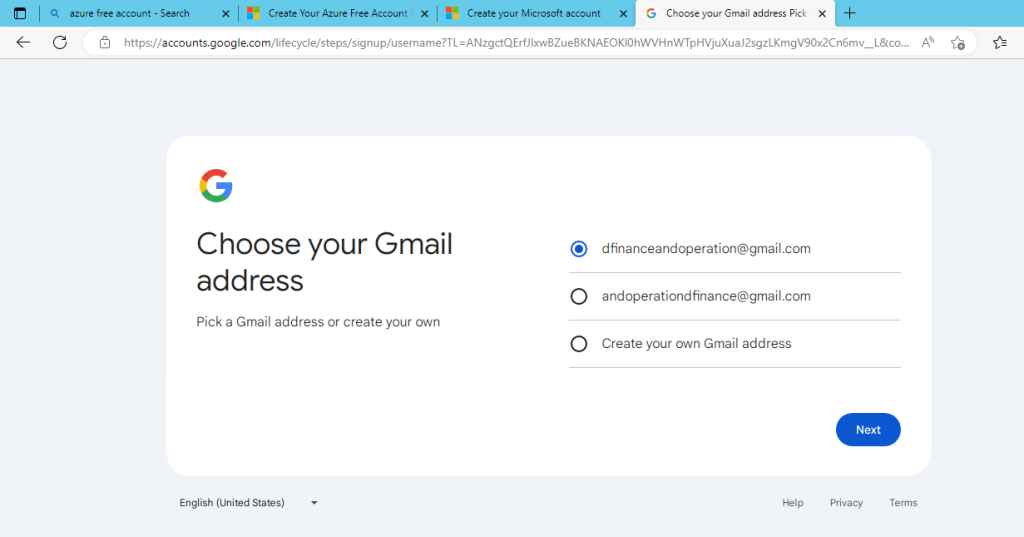
Choose email id suggest by Gmail (dfinanceandoperation@gmail.com) or Choose Create your own Gmail address and click on Next
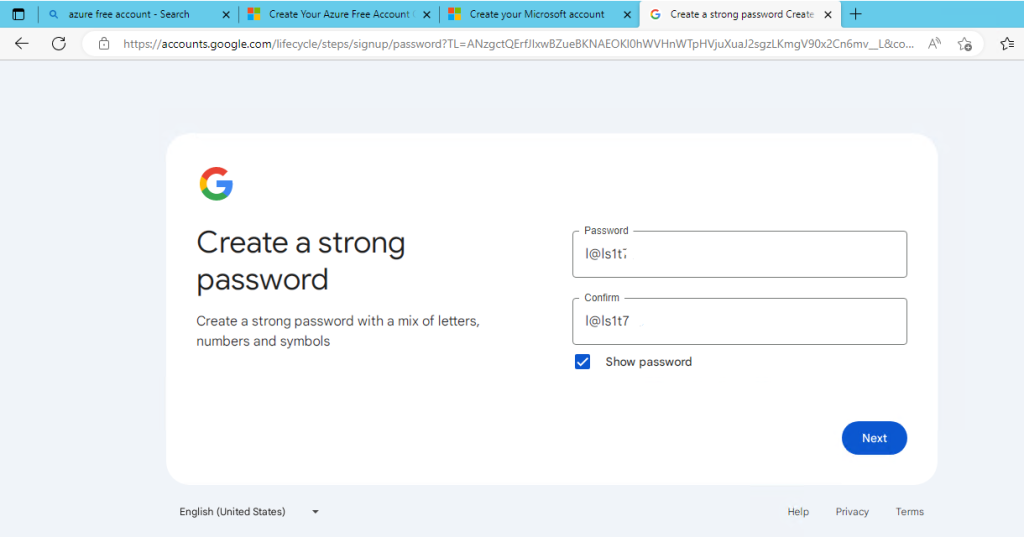
Choose strong password for account and click on next
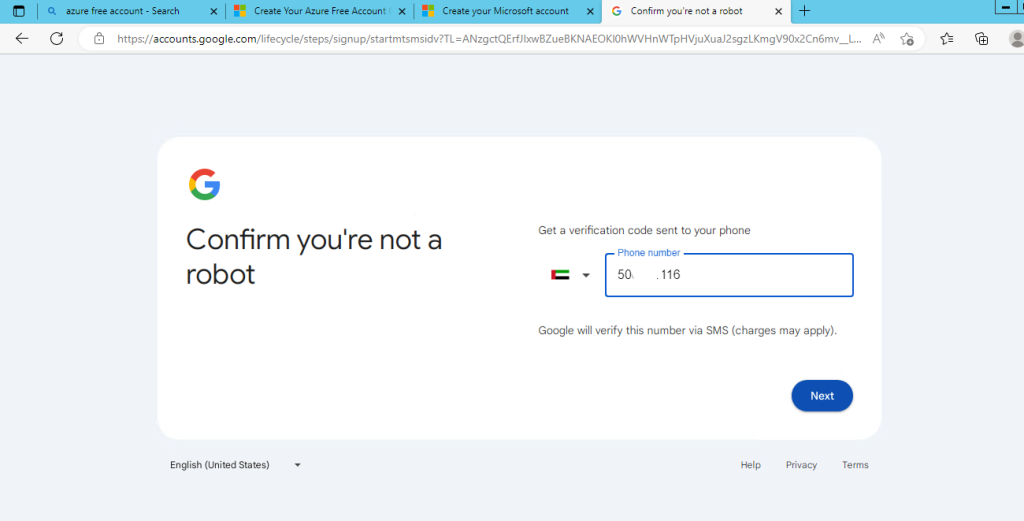
Enter your personal mobile number and click on Next
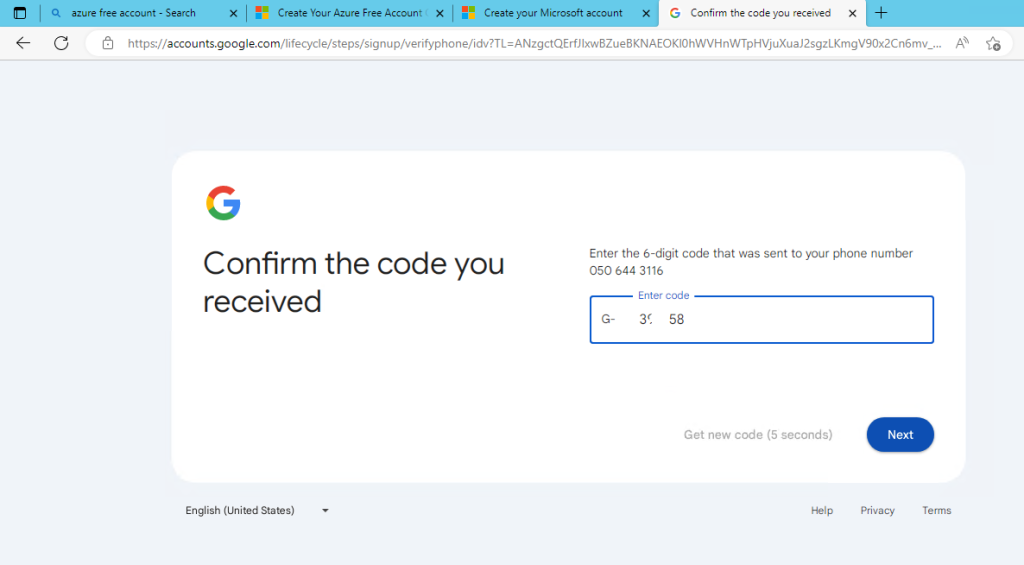
Enter OTP received from Google and Click on Next
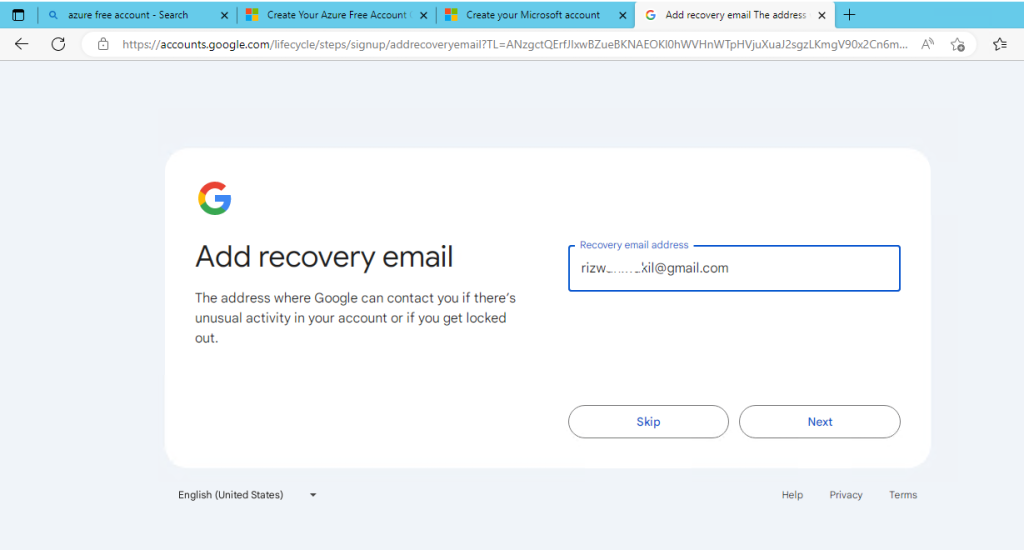
Enter Recovery Email, incase you forgot email password & click on next, if you don’t have another gmail account, click on skip for this option
Review account (dfinanceandoperation@gmail.com) and Click on Next
Click on I Agree button to accept privacy & terms
Congratuation – Gmail account is created and you will be login to account automatically